The Smooth Switch: Your Guide To Moving To NordicCRM
Moving your CRM, contacts, funnels, automations and customer data can feel risky. NordicCRM makes the transition clearer with a structured migration process built for Canadian businesses.
Whether you are moving from HubSpot, Salesforce, Zoho, ClickFunnels, HighLevel, Pipedrive, spreadsheets or another CRM, we help you plan what moves, what gets rebuilt and what should be improved.
Why Migrate To The Northern Standard?
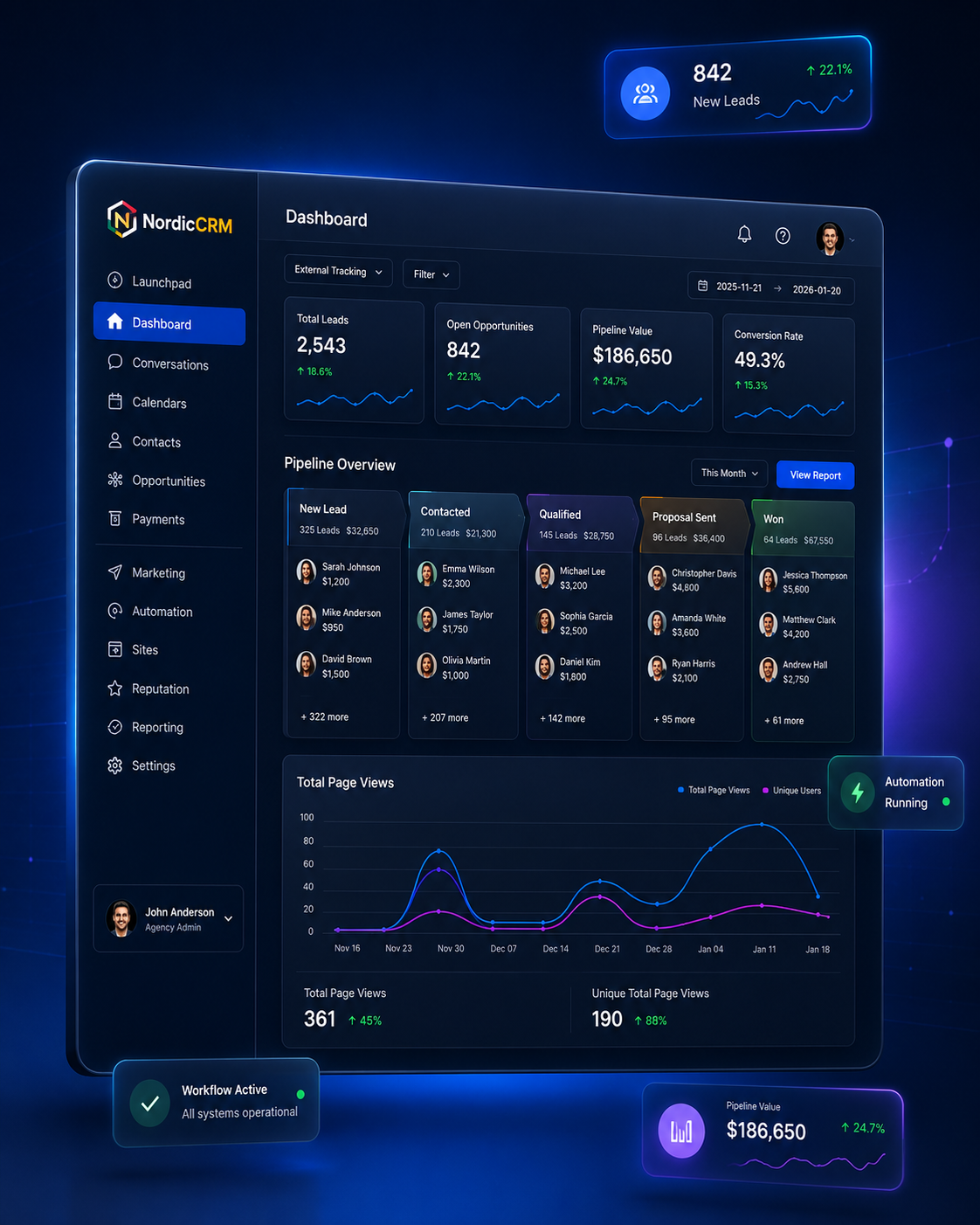
Your CRM should not be a scattered collection of tools. NordicCRM helps consolidate your contacts, funnels, follow-up, sales pipeline and customer communication into one connected platform.
- ✓Consolidated tech stack: replace disconnected CRMs, funnel builders, email tools and automation apps.
- ✓Predictable CAD billing: reduce foreign exchange surprises and simplify software planning.
- ✓Local business focus: built for Canadian service businesses, agencies, clinics, consultants and growing brands.
Our 4-Step White-Glove Migration Process
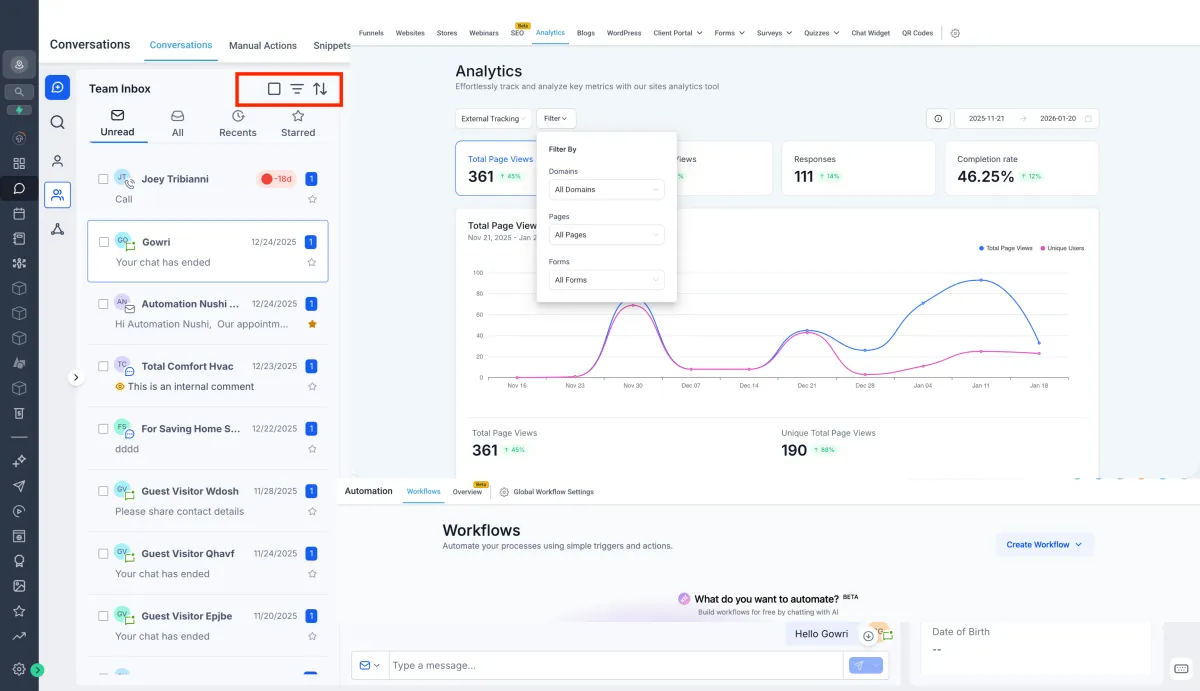
Migration should be planned, mapped, tested and launched carefully so your contacts, campaigns and customer journey stay organized.
Tech Audit
We review your current tools, contact lists, pipelines, forms, funnels, calendars, automations and business goals.
Data Cleanup
We organize export files, map key fields, identify duplicates and prepare contacts for a cleaner CRM import.
Build & Recreate
We rebuild the important pieces: pipelines, workflows, landing pages, calendars, forms and follow-up sequences.
Launch & Test
We test forms, automations, notifications, booking links, contacts and funnels before your new system goes live.
What About My Website, Funnels And Automations?
Not everything should be copied exactly. Migration is the perfect time to improve your CRM structure, simplify your funnels and rebuild automations so they work better than before.
- ✓Contacts: exported, cleaned, mapped and imported into NordicCRM.
- ✓Funnels & pages: reviewed, documented and rebuilt or improved inside NordicCRM.
- ✓Workflows: recreated with cleaner triggers, actions and follow-up logic.
- ✓Domains: planned carefully so your pages and forms continue working after launch.
CRM Migration FAQs
Can I keep my domain?
Yes. Your domain can usually be connected to NordicCRM after DNS planning. We recommend mapping your pages and URLs before changing DNS so nothing important gets missed.
How long does migration take?
Simple migrations can move faster, while complex CRMs with many funnels, workflows, tags, custom fields and integrations require more planning and rebuild time.
Will my contacts and tags move over?
Contacts are usually moved through CSV export/import. Tags, custom fields and lists should be reviewed and mapped before import to avoid messy data.
Can you migrate from HighLevel or another GHL account?
Yes. We can review the current account structure and determine what can be moved, cloned, exported, recreated or improved inside NordicCRM.
Ready To Move Without The Mess?
Book a migration call and we’ll review your current CRM, website, funnels, contacts and automations so you know exactly what needs to move.